What are Fields?
A Field is a data entry input dropdown that users use to select the information that they need to enter or update into the system.
- On subscription creation there will be a default set of fields with your workflow management system, but some are also customisable.
- Location to create fields are inside of the Settings main menu category.
- Permissions to create new fields: Check with your company policies and if unsure with your Manager or System Administrator.
Some examples below are:
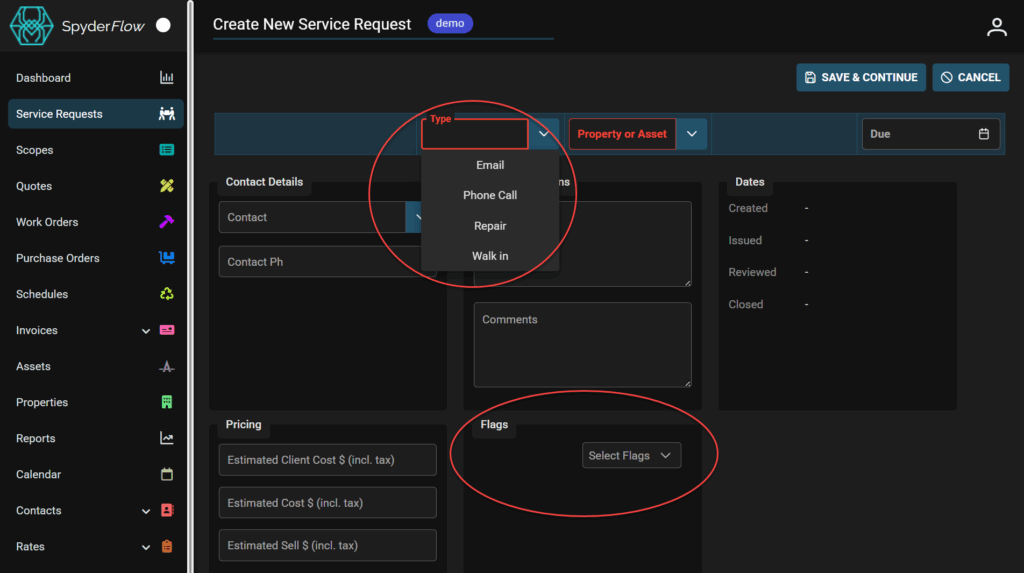
- Service Request Type and Flags are fields you can set options of information to select
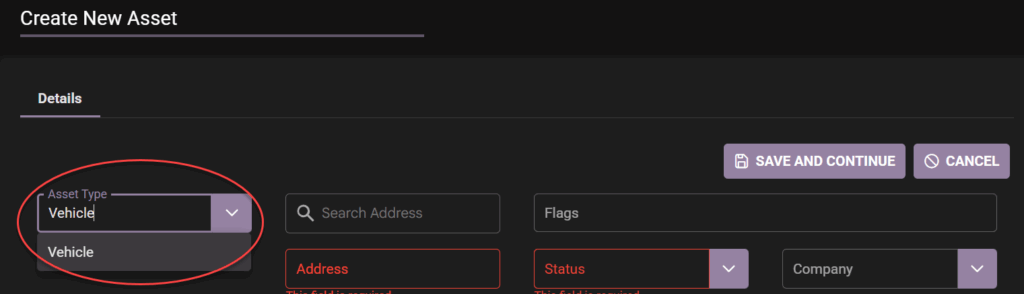
- Asset Type and Status are also field drop downs to configure information to select