Invitation to SpyderFlow
All users including administrators will receive an invitation email to welcome and set the password for log in credentials. Multifactor Authentication verification will be used to give additional security to your identity on sign in.
- You will have nominated a main email for your business to log into SpyderFlow when set up your subscription. This is your main Subscriber sign in account.
- Your Subscriber account can then send invitations to other staff in your business including if you would like to nominate system administrator staff member to take over this process. The system administrator will have full access permissions to your SpyderFlow.
Activate User Account from Email received
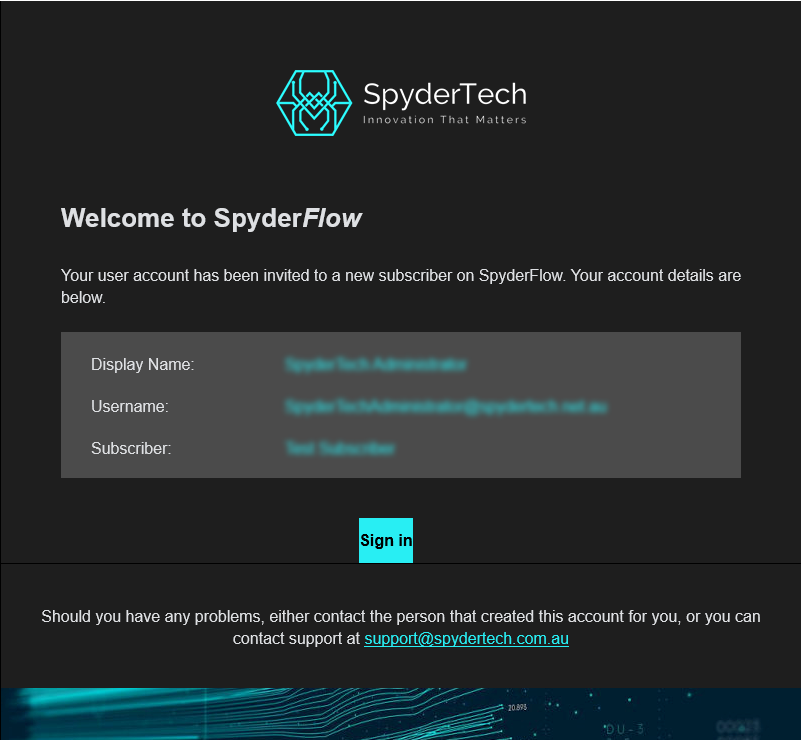
- Welcome to SpyderFlow email received to the email address your organisation administrator sent from SpyderFlow.
- If display name is incorrect your administrator can amend for you, (Contact the person who sent you the invitation to edit and resend with corrected details).
- Click Sign Up button in blue at bottom of email.
- SpyderFlow sign in screen will display and email is entered by default.
- Enter a password and click to Sign in.
- Follow process for MFA authentication (2 Factor code verification) see link Getting Started | Multifactor Authentication MFA Overview
- Once complete you will be signed in and view the SpyderFlow Dashboard.
- If sign in does not show Dashboard – contact your system administrator to investigate the issue.
- User account status is now ‘Active’ and you are a user with SpyderFlow.