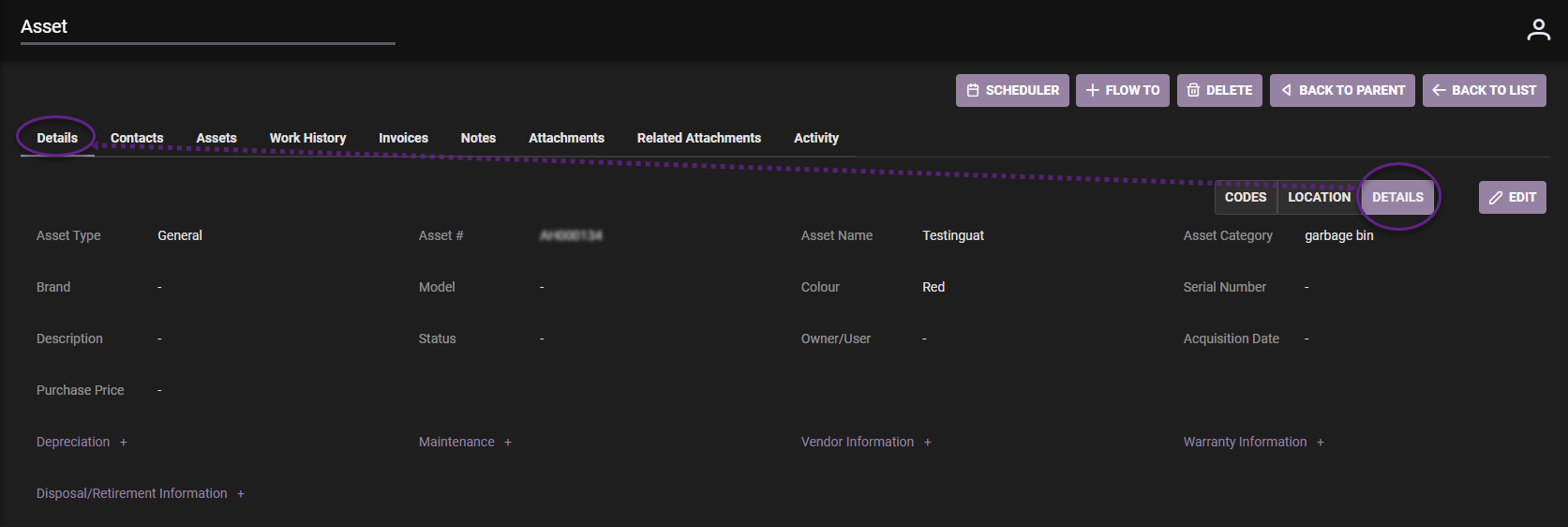
Details Tab located within the Asset details page (clickable tabs to select: Codes, Location, Details)
- Located within selected asset is the Details tab (next to Edit).
Details tab reflects details of the asset, input when the asset was created.
- To change modify click ‘Edit’ and fill in fields as required.
- When Edit complete, Click Save.