Details Page | Location Tab
- Open Selected Asset and default tab is details.
- Click location tab (next to Codes Tab)
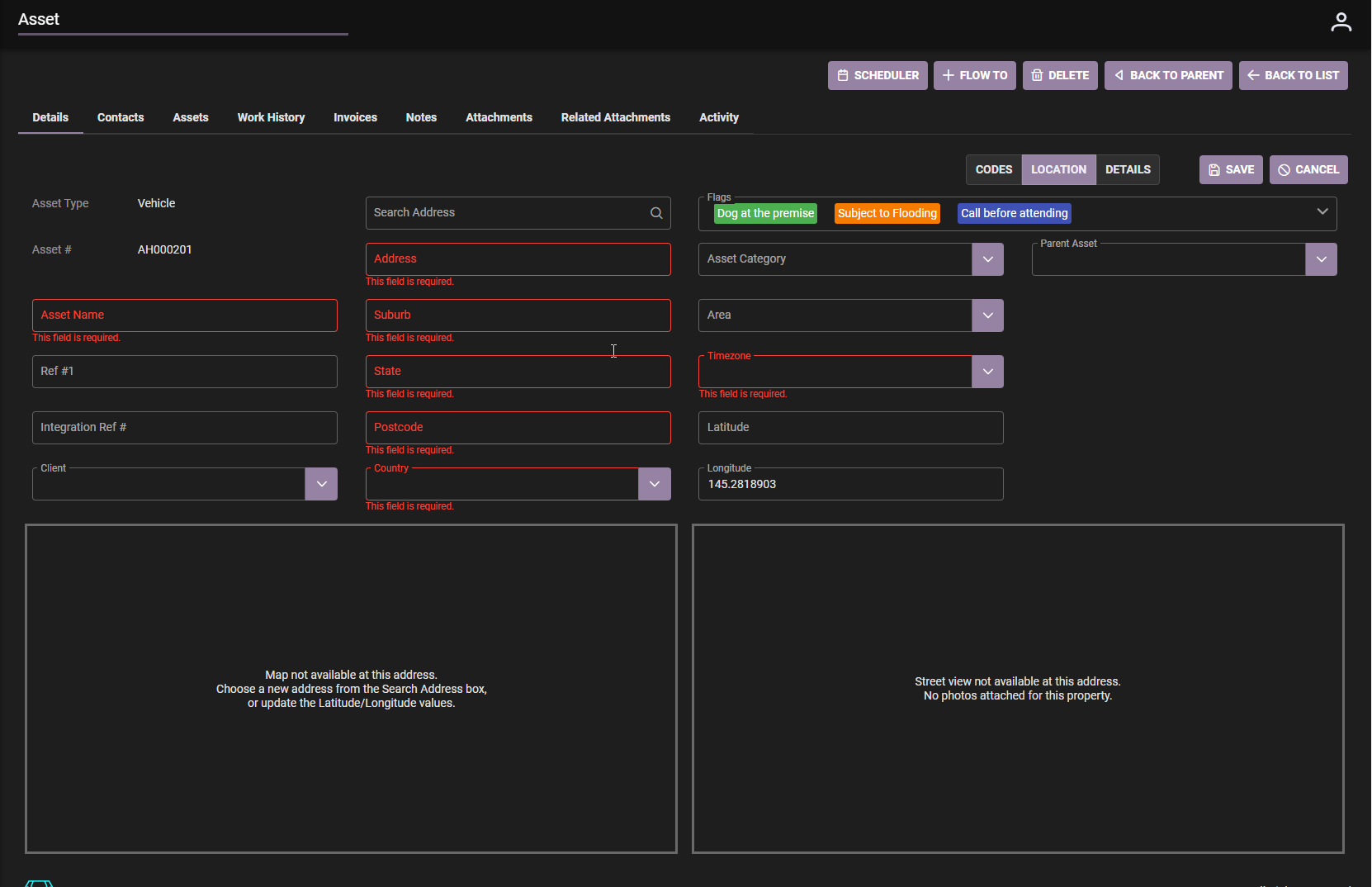
Location information
- Asset address details, map and street view.
- Timezone and Area.
- Map view is by longitude and latitude values
- Street view picture may be changed to the asset as a photo.
- Flags can be added for safety and procedures to follow.
Asset details:
- Asset Name
- Asset type
- Asset Category
- Parent Asset (if available)
Edit, Modify and Save Location
- Location can be edited as required.
- Click Edit
- Mandatory fields are displayed in Red.
- Save when complete
.