Located: Assets –> Plans Tab
Main Menu –> Assets –> List of Assets
- Select an Asset from list
- Go to the Plans tab on the selected Asset
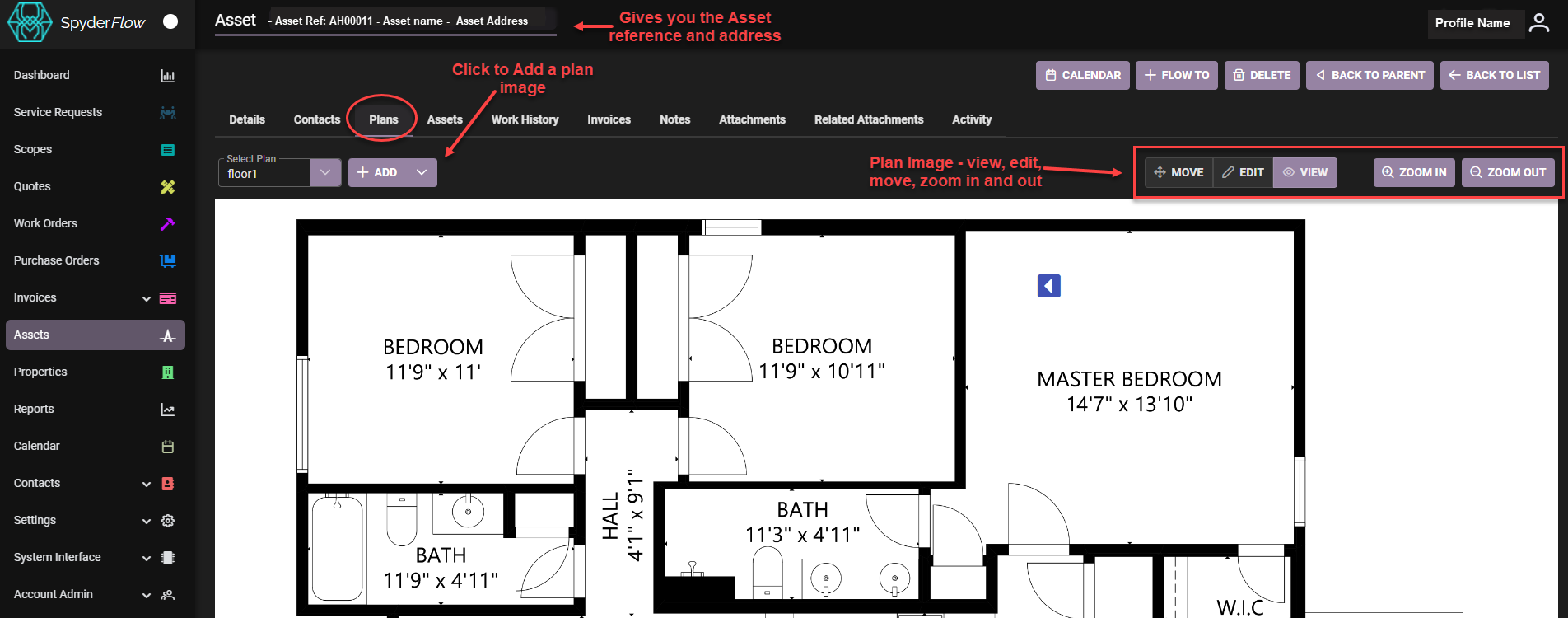
To Add a Plan Image
Click +ADD to upload plans for properties and follow the prompts.
Once uploaded a plan can be set with markers to view, move, edit for identification of buildings, assets and associated landmarks or areas of interest.
See related links
Properties | WEB | Plan Markers