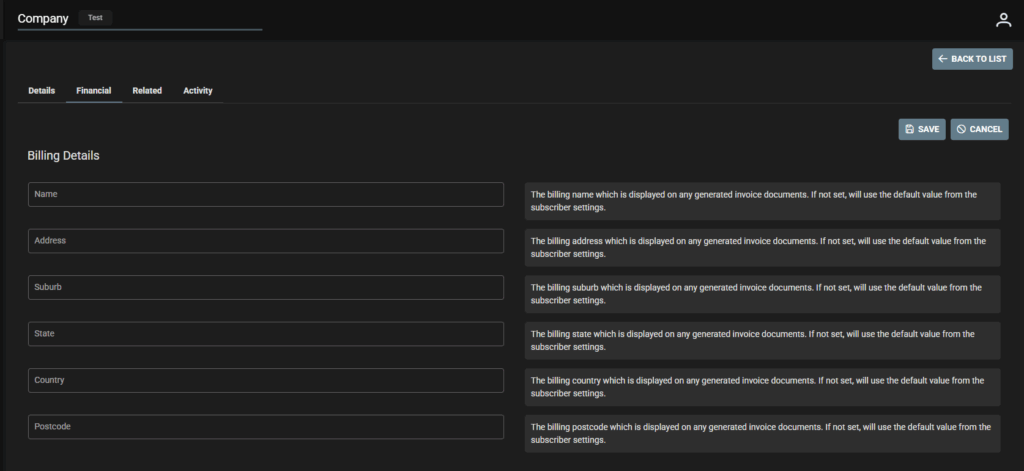
Company – Financial Tab
- Company financial details include Billing details, Invoicing, Bank Details.
- If not set, SpyderFlow will use the default value from the subscriber settings.
Note! Company Financial Tab over rides Subscriber Settings so if set up in each Company this is where your system will get financial details from.
- Check you are in the correct Company and click Financial tab
- Click Edit
- Complete Invoicing/Billing Details/Bank Details for Company
- Click to Save
- Go Back to List of Companies or click next to Related tab then Activity to view.
Note: Field descriptions on right of each to assist user to input details.