Dashboard widget for Contractor Approvals
Location: Dashboard
Who can Access: Internal (Subscriber) Users
How to get there: Sign into SpyderFlow –> Main Menu –> Dashboard –> Contractor Approvals widget
What does this Widget Do?
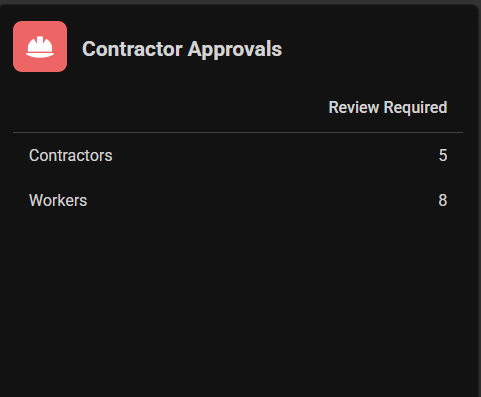
The widget shows internal users the number of Contractors and Workers in Review Required status.
Review required –> click on the numbers for each category to go direct to filtered Lists of Contractors and Workers.
Contractor Approvals
SpyderFlow Dashboard –> Widget
Includes: Contractors and Workers, Click number values to go to Review Required Lists
Lists Filtered to Review Required
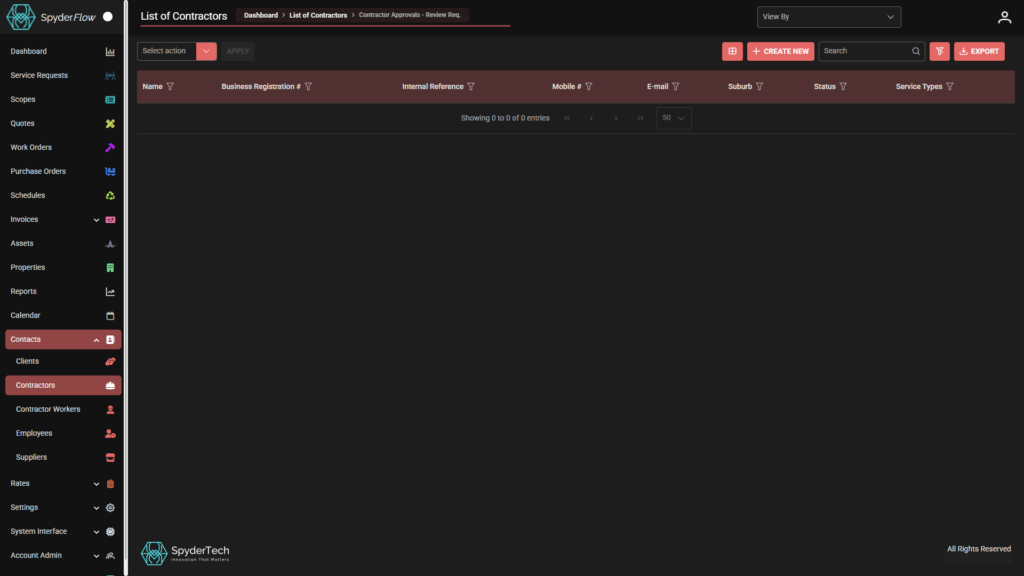
List of Contractors
- Dashboard > List of Contractors > Contractor Approvals – Review Req.
- Contains Contractor records that have areas in Review Required Status.
Includes options to:
- Select Action (bulk action dropdown)
- Columns that can be filtered
- Ability to Customise Columns
- +Create New
- Search
- Clear Filters
- Export
- View by (Company/Client)
List of Contractor Workers
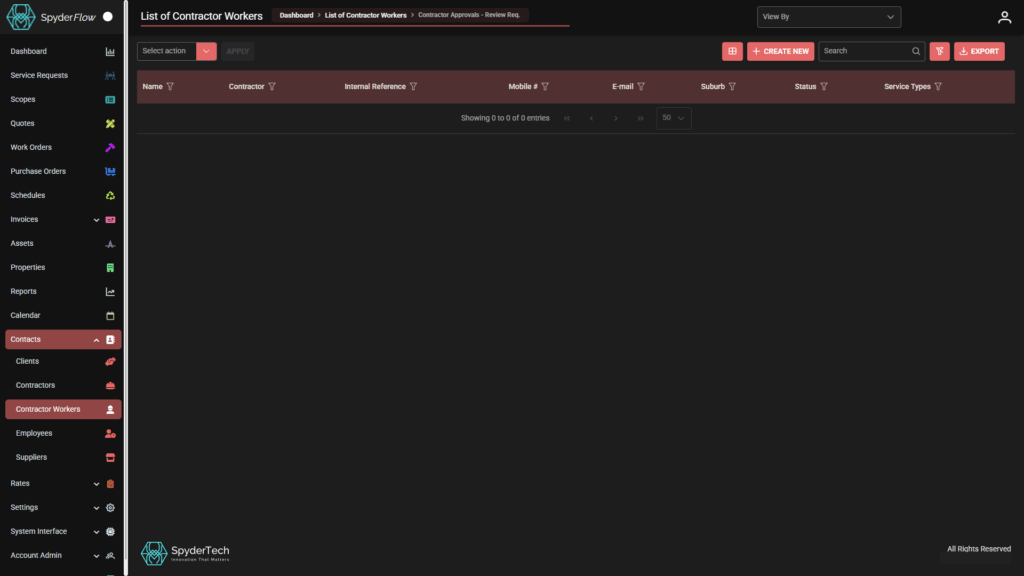
- Dashboard > List of Contractor Workers > Contractor Approvals – Review Req.
- Contains Contractor Workers records that have areas in Review Required Status.
Also includes options to:
- Select Action (bulk action dropdown),
- Columns that can be filtered,
- Ability to Customise Columns,
- +Create New,
- Search,
- Clear Filters,
- Export
- View by (Company/Client)
What to do?
- Contractors or Workers Review Required lists
- On each contractor / worker record check for dots above headings OR The record itself may be in status of Review Required and not yet active
- Click and see if the status is in Review Required.
- Or if a dot is above a tab click into the details and see which part needs review.
- Review and Approve as required by business process.
Go Back to Dashboard
- To navigate back and forth from the review lists to Dashboard use your browser back arrow
- Or follow back to list buttons to get non filtered Contractor or Worker lists