User Roles are located at: Main Menu –> Account Admin User Roles
The ‘Type’ of these roles are Subscriber.
- Also known as ‘Internal’ user roles in SpyderFlow.
The system has standard User Roles created with details and permissions below.
- System Administrators can also create new user roles through List of User Roles –> +Create New
These User Roles can include in order below of least to higher restricted.
- System Administrator – Full access including user and account management.
- Manager – Advanced review & approve functionality for standard workflows including invoicing.
- Finance – Advanced review & approve functionality for standard workflows including invoicing, financial settings and interface events.
- Review and Approve – Advanced review & approve functionality for standard workflows including invoicing, financial settings and interface events.
- Create and Update – Basic create & update functionality for standard workflows.
- Field User – Ability to view asset, property, and item details, and view and update purchase orders and calendar entries.
- Asset and Calendar – Basic create & update functionality for standard workflows.
- ReadOnly – Basic readonly access to standard workflows.
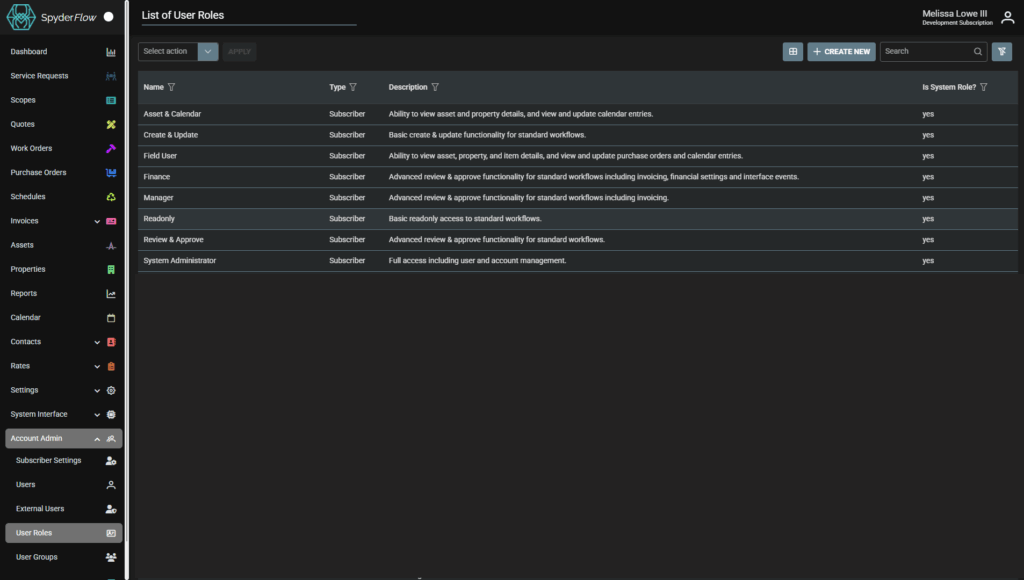
Click on User Role for further information or to edit permissions, details, view activity.
Note! System Roles cannot be edited.
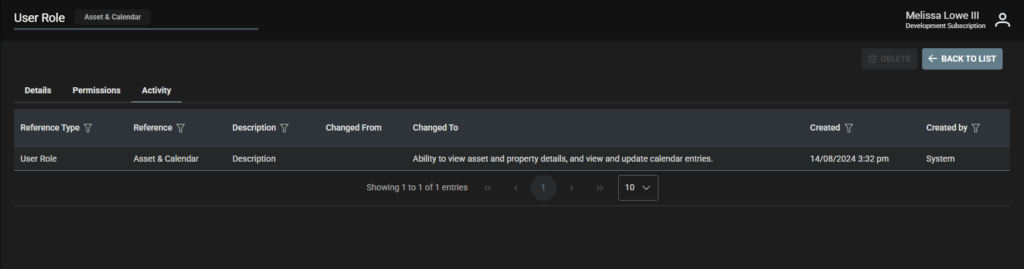
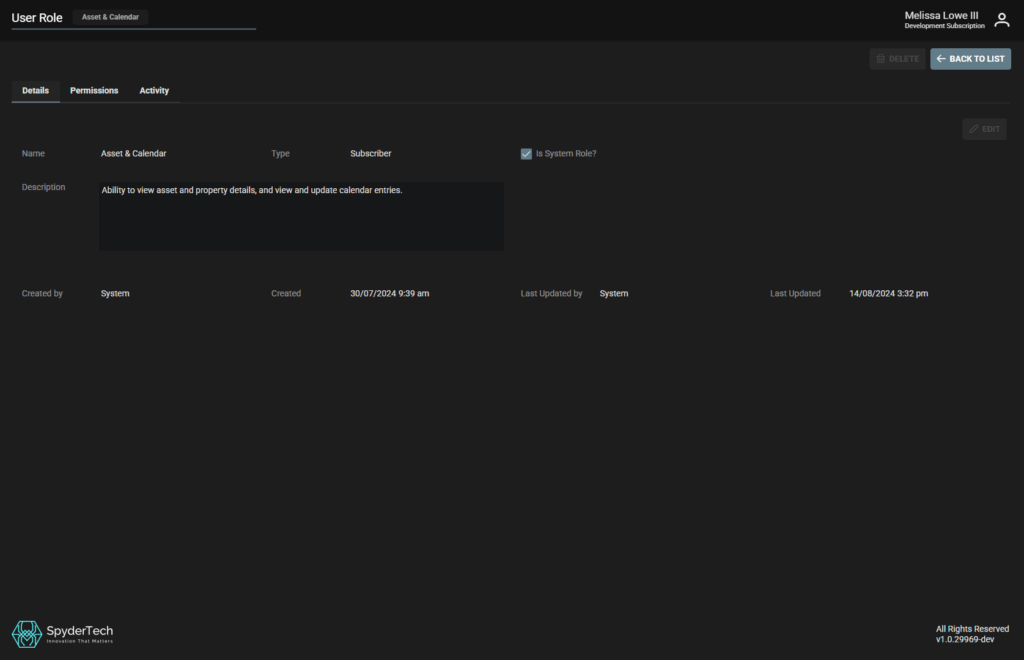
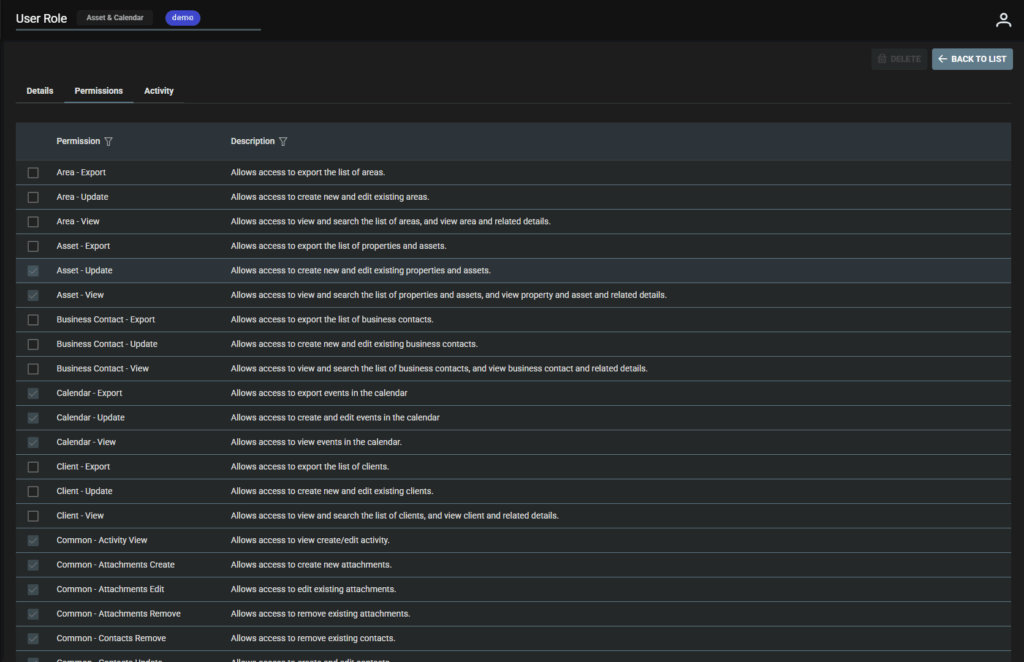
Example: User Role Asset & Calendar
- Details Tab
- Permissions Tab
- Activity Tab