Password is set by the user on acceptance of their SpyderFlow invitation.
- If require another invitation the SpyderFlow administrator can resend the invitation.
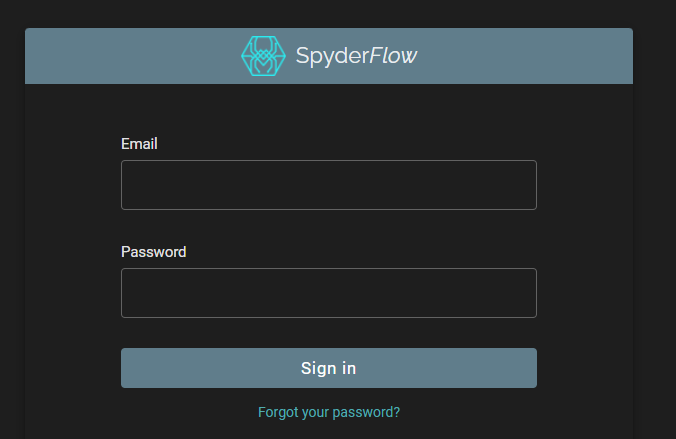
If password is just forgotten the user can click “Forgot your password?” on SpyderFlow log in screen.
- An email will be sent to the users SpyderFlow email address to reset their password
Steps to get SpyderFlow Reset password email
- Click on ‘Forgot your Password’ at SpyderFlow log in screen online.
- Reset your password email is sent to your email account. Please check junk and spam folders if you cannot find this email.
Note: If you are an employee of an organisation subscribed to SpyderFlow you can also contact your company Administrator/Manager.
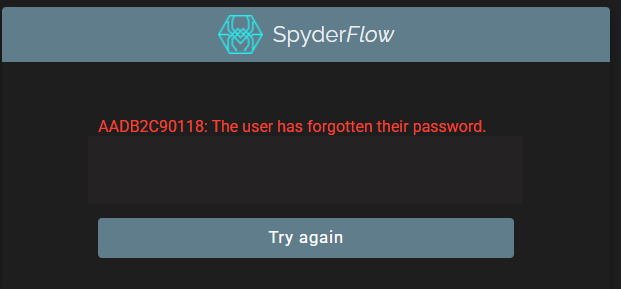
Note: If “Forgot your password” shows error incl B2C – Clear Cache and retry process