Subscriber User Role – Review & Approve: Can view, create, edit, review, and approve Work Orders.
Subscriber Manager Role has access to all areas at administrator level.
List of Work Orders
Located: Main Menu – Work Orders –> List of Work Orders landing page.
- List of Work Orders can be sorted and filtered by column headings.
- Search Work Orders and/or Export List to Spreadsheets.
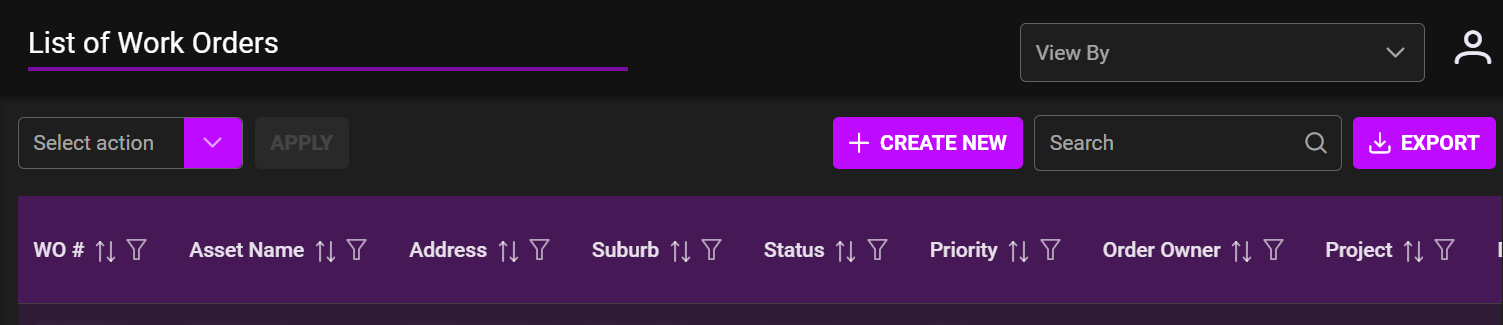
Bulk Action drop down (Select Action)
- Select work orders to apply bulk action.
- Created
- Allocated
- In Progress
- Review Required
- Reviewed & Approved
- Pause
- Cancel
- Send Changes
+ Create New
- To create new work orders see link –
View By
- Company or Client – choose if you would like alternate view.