Coming soon 1st March 2026
Watermark on Photos taken by Camera inside SpyderFlow
As part of our ongoing service improvement program, we are introducing a Watermarked Photo feature in SpyderFlow to strengthen quality assurance, job traceability, and reporting confidence.
Photos captured using the Camera option in SpyderFlow will automatically include a watermark containing:
- Date
- Time
- Job Details (Order Number and Address)
This provides clearer evidence records and helps support timely validation of completed work.
Feature will apply to Workflow areas:
-
- Scopes
- Quotes
- Work Orders
- Purchase Orders
- Variations
Will not be available in other SpyderFlow areas (Assets, Contractor records etc).
Process for taking a photo with watermark
Open SpyderFlow and Select area photo is required to be uploaded to: Scopes, Quotes, Orders.
Create the attachment Mobile App | Attachments
- Open your created attachment folder
- Click (+) button on Photos page
- Choose camera option to Take a new photo from the options of: Take a new photo, Choose a photo, Choose a file.
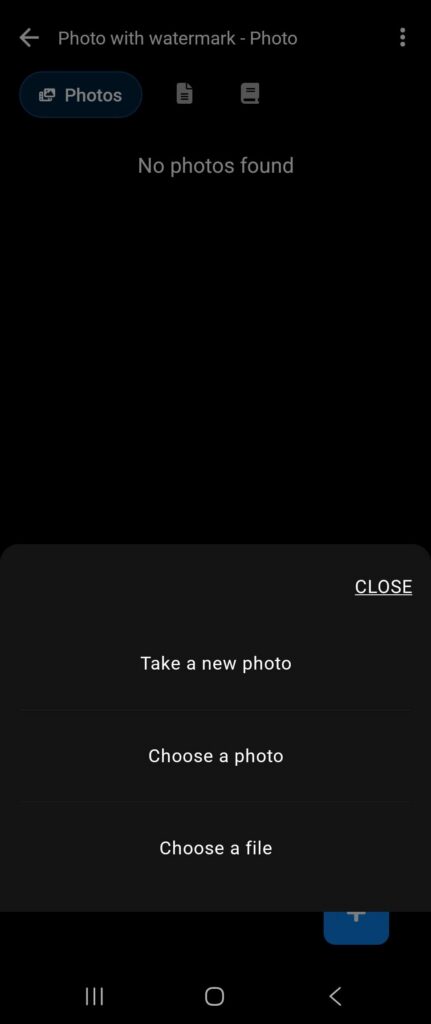
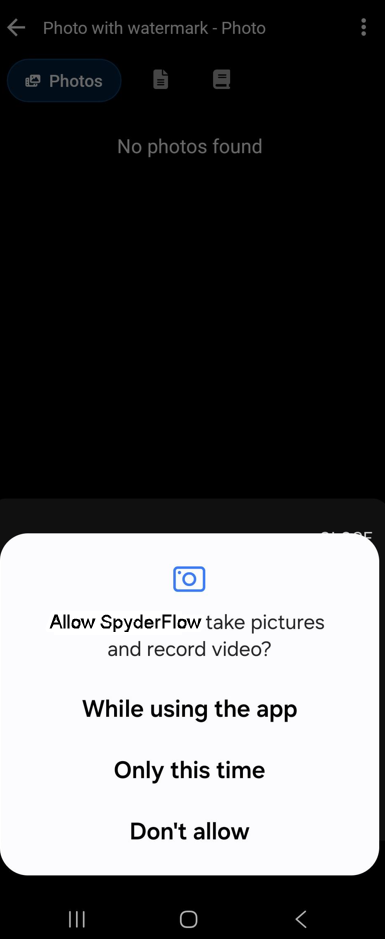
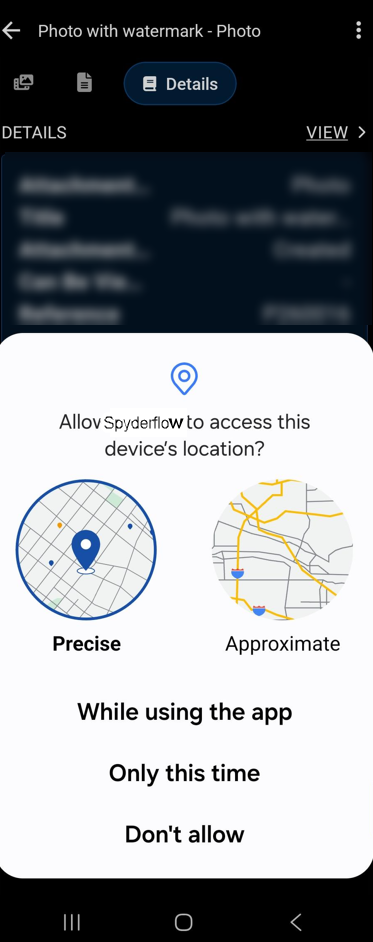
- Note! First time you will be asked to give access to the camera permissions on device.
- Camera > Take a photo > Allow Camera and Location permissions (examples below)
After allowing permissions
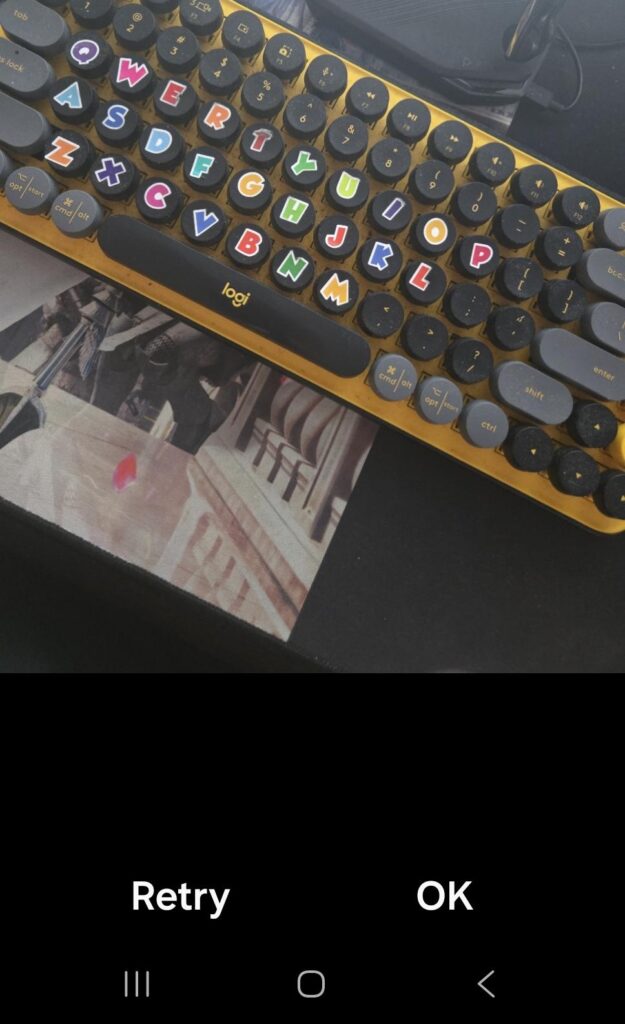
- Aim camera and take photo
- Options will display at bottom of photo: ‘Retry’ or ‘ok’
- Select ‘Ok’ if photo is clear and correct. Retry if you need to retake the photo.
Watermarked Photo is Created and in Attachments
- Message displays: ‘Watermarked photo created, but could not be saved to you Photos’ and ‘Clear’
- Select ‘Clear’
- Message displays: ‘Attachment File added’ and ‘Clear’
- The photo is saved
- When you reopen the photo, you will see the watermark with: Date, Time, Details incl Address.

Important to remember
Details of the watermark on photos when saved to attachments
- Includes: Date, Time, Job details (Order no, Address)
- Does not show when taking the photo (watermark is not live on the proposed image)
- Appears on the photo once taken and saved
Further information
- Images will not be saved to your photo gallery in your phone
- The watermark option will be available only for workflow sections: Scopes, Quotes, Work Orders, Purchase Orders, Variations.
- Watermark is not yet available for attachments in other areas of SpyderFlow including not available inside Contractors records.