A Contractor refers to an external entity who performs work for your organisation but is not a direct employee.
- Once contractor information is entered: it is then able to be referenced by the workflows that are undertaken by the users of the SpyderFlow system.
- In SpyderFlow , Contractors can also be referred to as External Users with restricted access to ensure data security and role-specific functionality.
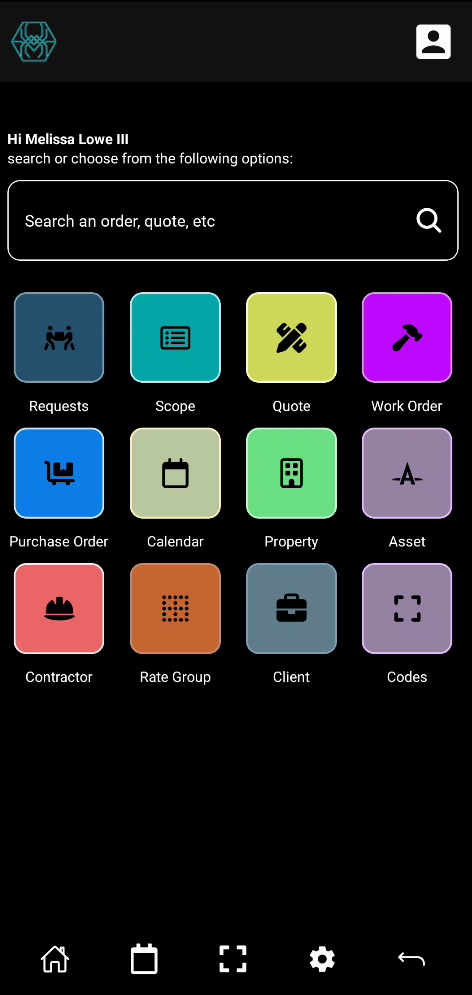
Location: Mobile app Home screen (Mobile Dashboard)
Linked to Contractor Workers who are the workers for the Contractor entity.
Contractors – Can log into SpyderFlow directly to perform data entry. External User role.
User Roles
- Contractor Administrator – Manages workers (users)
- Contractor User – Worker, enters information (data)
Contractor Users can
- Lock down data for their own users / workers (Contractor Workers).
- Have the ability to manage their own users / workers (Contractor Workers).
- Supports “Purchase Order” work activities, including standard and defect work.
Contractor Icon is colour coded to easily identify on the mobile app
List of Contractors
- List of Contractors is the default opening page when select Contractor from Home screen
- Contractors listed can be searched, sorted, filtered like other ‘List of’ pages.
- Create New Contractor button is available on ‘List of’ page
Listed Contractors: Tap and Select items or Tap and Hold for Options. Bulk select and Disable contractors if required.
Selected Contractor item
(Example details below)
Select Contractor to view, add information, modify:
Note: Click ‘View’ on each section to add, modify, edit. Click Done to Save
- Entity Details
- Service Type
- Entity Address
- Postal Address
- Entity Contact
- Primary Contact person
- Director Details
- License/Certificate
Insurance:
- Workers Compensation
- Income Protection
- Specialist Insurance
- Other
Attachments
- Add photos or files
- When added attachments are listed to search, sort, filter
Notes
Add notes by:
- Category
- Alert Type
- Comments
- Note Status
- Option: ‘Can be viewed by External Users?’ – will the note be viewed by contractors and/or clients?
Record Level Security
- Information is filtered to what the contractor is configured to see, company restriction.
- Workers can have further restrictions as required by the contractor.