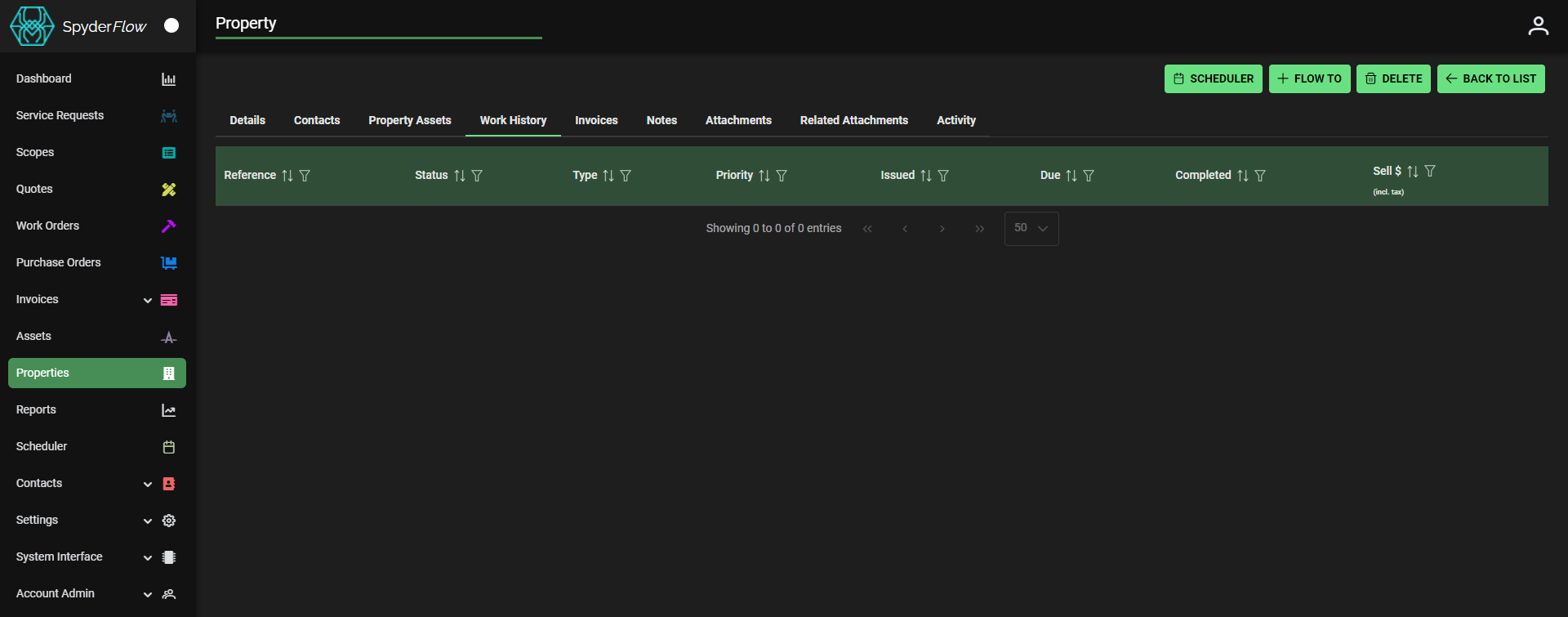
The Work History Tab
- Main Menu –> Properties –> List of Properties –> Select Property –> Work History
- This lists the activity history for the property selected.
- A consolidated view of activity associated with a selected property.
- Activity items listed can be sorted, filtered and selected (right side icon) to open full view of the associated activity item.
Work History Columns include:
- Reference
- Status
- Type
- Priority
- Issued
- Due
- Completed
- Sell $
Scheduler
- Link Property to Scheduler with the click of a button.
+ Flow To
- Service Request
- Scope
- Quote
- Work Order
Delete
- Delete Property
<— Back To List
- Returns to List of Properties Page