Service request notes are shown in this tab.
- Notes may have a dot above tab. This can indicate there are notes for internal staff to review
- Notes will be shown in list format as they are created and added to request.
Filterable columns include:
- Comment
- Category
- Alert type
- Status
- Created
- Created by
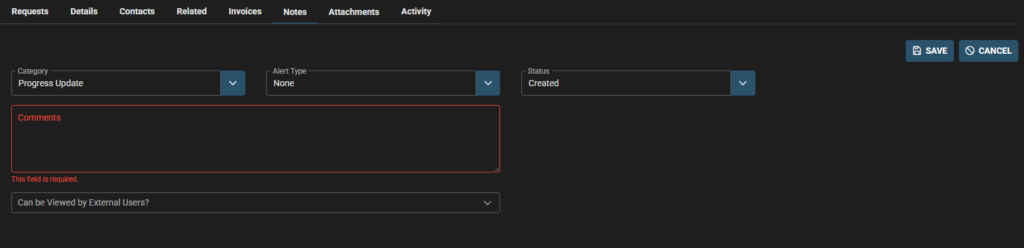
Click +ADD to add a new note to the Request
Some fields may be prefilled – check and modify as needed.
Add Comments, fill in details as per business process
- Category
- Alert type
- status
- Comments
Don’t forget to:
- Select if note is to be viewed by external users (clients, contractors).
- If this is not selected then your external users will not see the note.