Located: Main Menu –> Settings –> Projects
List of Projects
List of Projects are displayed, sorted /filtered by Column Headings:
- Name, Code, Is Default, Created by.
- If system created, you may have set these up in onboarding as a subscriber to SpyderFlow.
- You can add new projects through +Create New (right side), Export to Spreadsheets and Search List of Projects.
Create New Project
- Mandatory Fields are Name and Code.
- Checkbox for: Is Default (Optional).
- Save when complete.
- Back to List goes back to List of Projects.
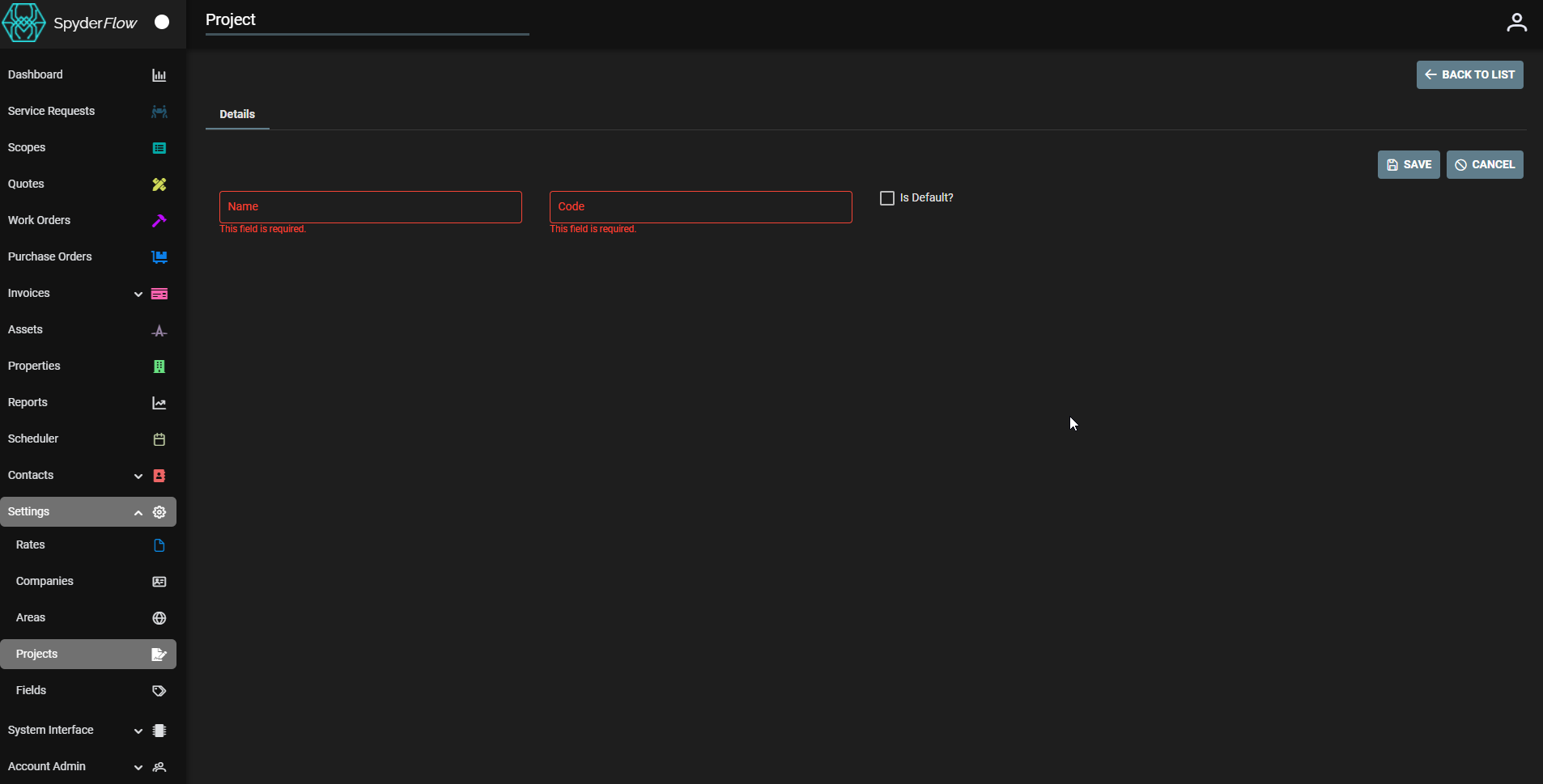
Project Details tab
- Choose project from List of Projects to open in Detail view.
- Edit fields if required then Save.
- Note: Activity Tab also available (to check on Project activity in SpyderFlow)
Edit View: Project Details
Note: Only Name field and checkbox can be changed in Edit view
- If Name is changed then code will not change when click Save
- Name change would need to still reflect code to project.