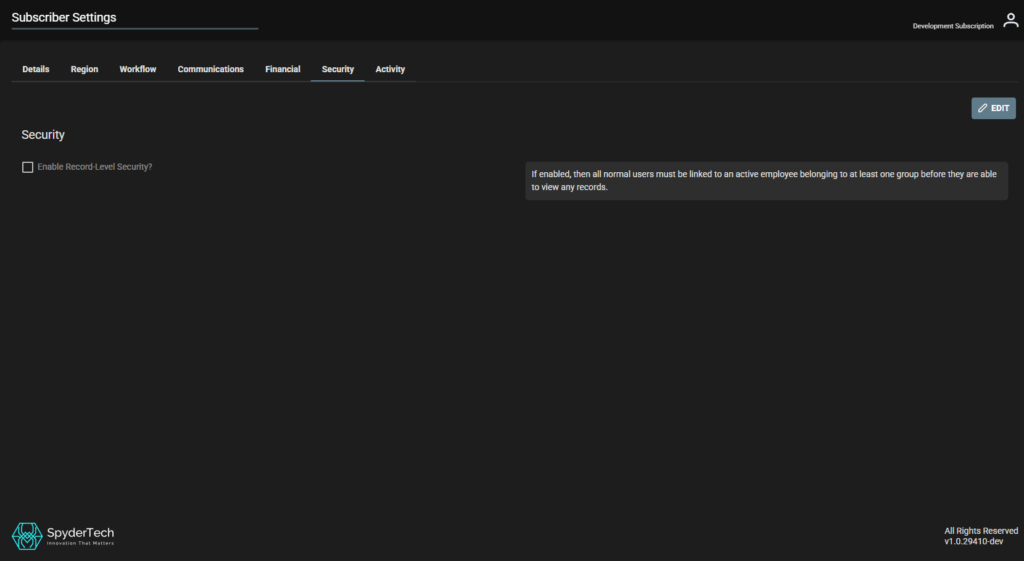
Location: Main Menu –> Account Admin –> Subscriber Settings –> Security Tab
Access: System Administrator/Manager
User Role and Permission level required: System Administrator
Pre-requisite requirements:
- Create and Link Users to Active Employees.
- Active employees need to belong to at least one (1) group to view records.
See link – User Account Administration | Record-Level Security (RLS)
Security
Enable Record-Level Security? – If enabled, then all normal users must be linked to an active employee belonging to at least one group before they are able to view any records.
To Enable RLS – Security window –> tick the check box to “Enable Record-Level Security?”