Subscriptions
Located: Click Profile (Top Right) –> Change Subscriptions –> Subscriptions
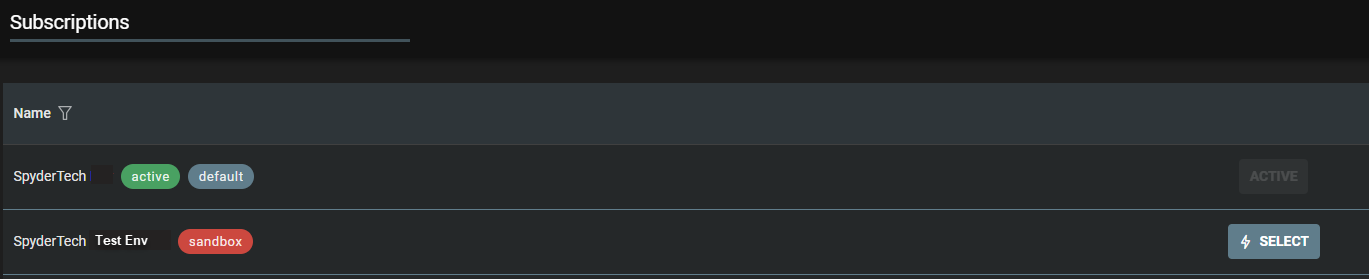
- List of Subscriptions you have access to are in table format.
- Filter by Name – if required
- Click Select to change between subscriptions.
Subscription Status
- Active may display a green icon
- Default subscription can show a blue/grey icon.
- Demo a blue icon
- Sandbox (test environment) may show orange icon.
View all subscriptions
- See your subscriptions at a glance.
- Filter and change subscriptions.
- Visually distinguish current (active/default), demo or training subscriptions you have access to.
Note: Seamlessly switch between multiple roles you may have across different SpyderFlow subscriptions using a single login.
Also available on Mobile App see link – Mobile App | Change Subscriber