Create a New Work Order
To Create a New Work Order without flowing from Scope or Quote. This is also referred to as directly creating a work order.
Go to: Main Menu –> Work Orders –> List of Work Orders –> + Create New
- Click Create New button.
- Select Priority
- Click Address – The property must have been created in properties section.
- Select Company you are doing work for (located bottom of screen)
- Mandatory fields are Priority, Address, Company
- Optional: Recommended fill out other fields as required.
- You have started your work order with details in these fields.
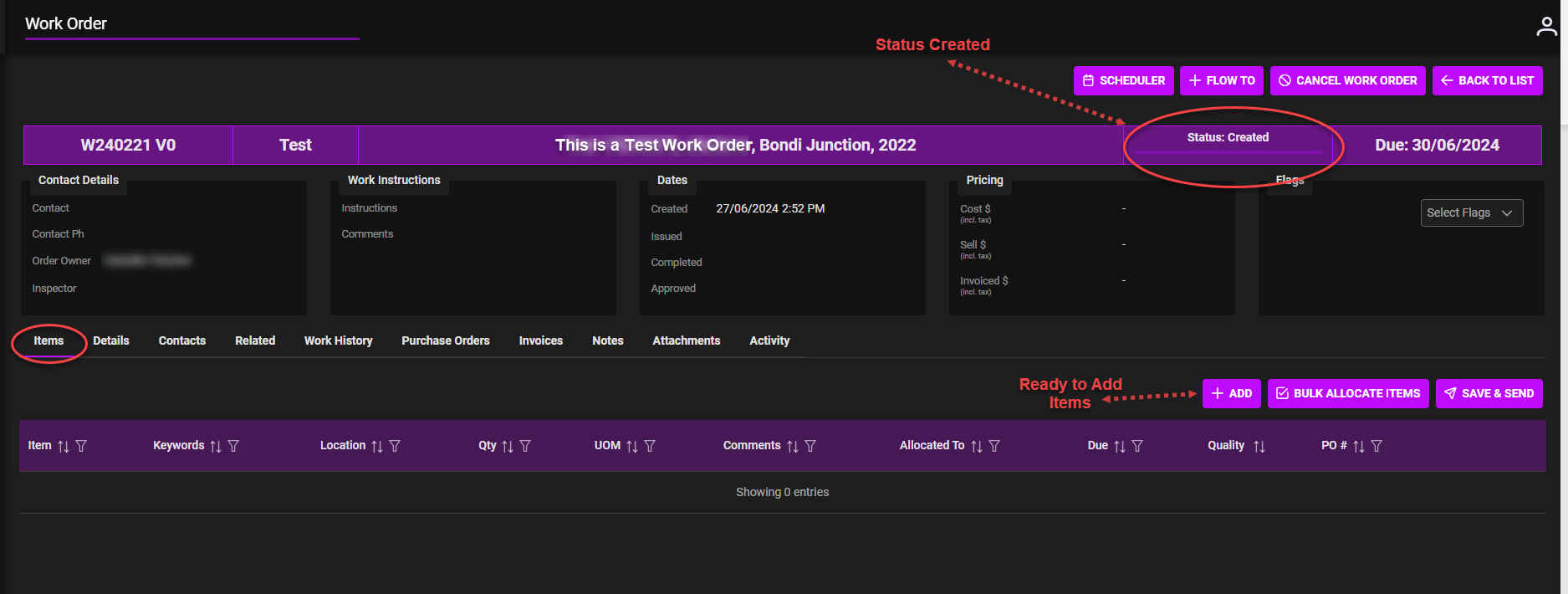
The Status for the Work Order: –
-
- Work Order Created – Initial Work Order created
Next Steps: Input/upload information into tabs
- Add Items, Edit Details, Add Contacts, View Related/Work History, Purchase Orders, Add Attachments or Notes.
Click Link Work Orders | WEB | Add Items