To Flow from a Scope to a Work Order
- Go to: Main Menu –> Scopes –> Scope Landing page
- Open the scope required then click flow to Work Order button.
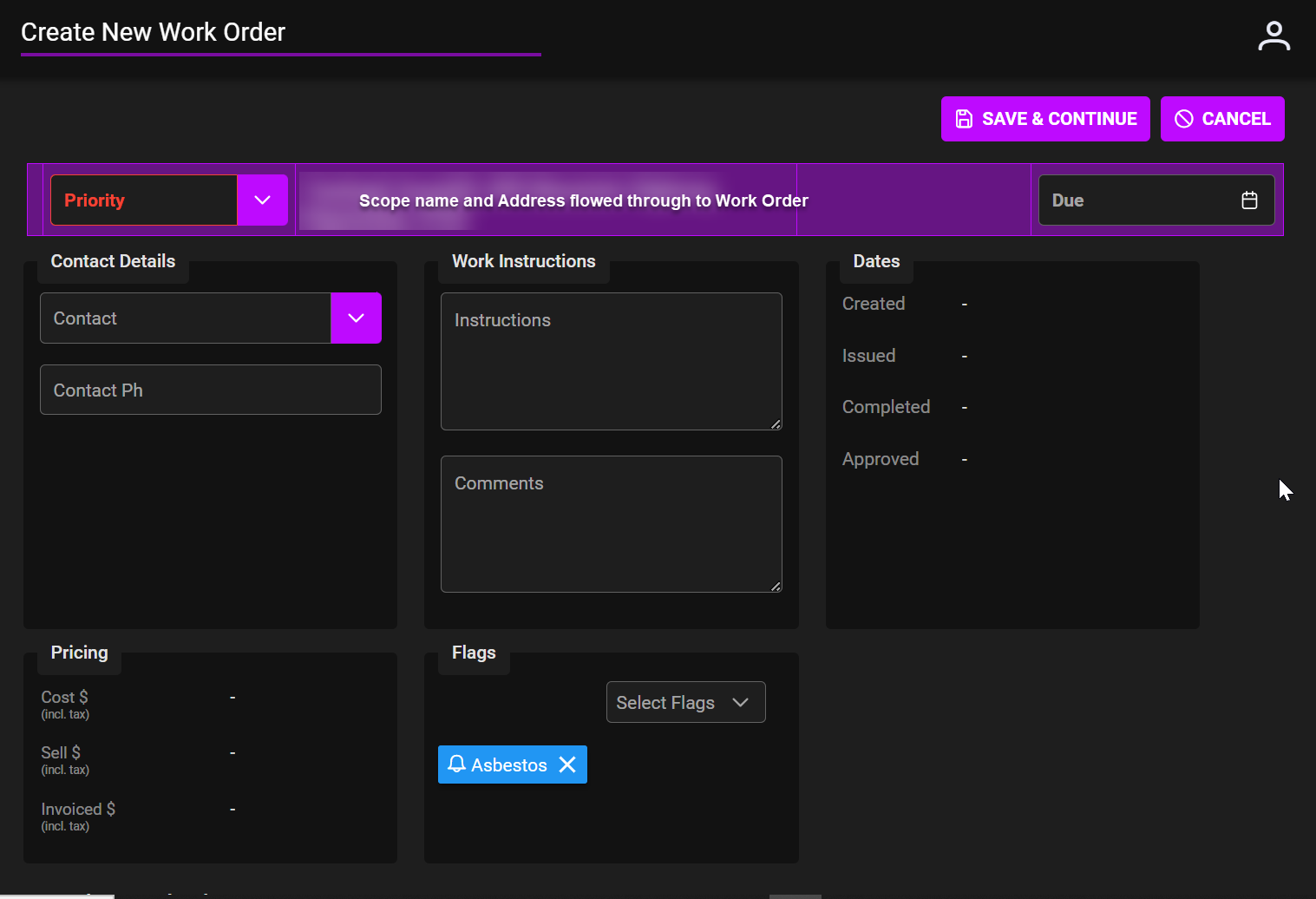
- Set Priority. Fill any other details required.
- Save and continue.
- A Work Order with all details from Scope is pre filled ready to add attachments, notes, items etc.

Related links