Scopes can be flowed on to Quotes and then retain activity history.
- Can also flow Scopes to Work Orders and Invoices.
To Flow from Scope to a Quote
- Go to: Main Menu – Scopes
- Scope Landing page
- Open the scope required then click flow to quote button.

Fill in details on New Quote
- Select date in Due field
- Fill in any other fields as required for your business process.
- Click –> Save and Continue.
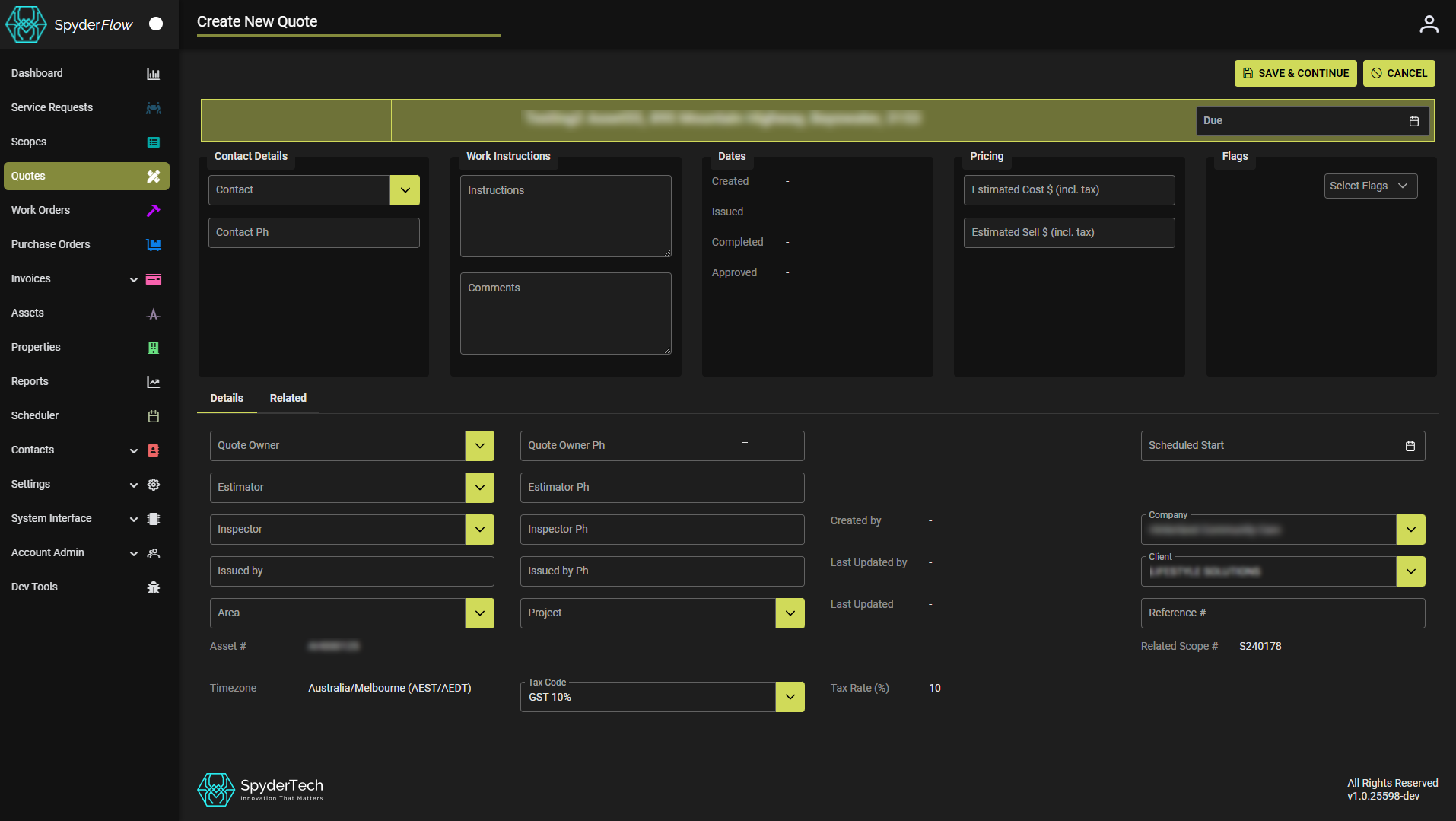
- You now have a quote with all details from scope added.
- Add items then go to pricing.
- Go to pricing tab and award quote items to contractors through the Status drop down.
- Contractors will be notified if successful or unsuccessful.
- Once complete quote: you can now flow to work order, invoice, or cancel quote.