RESET LOGIN
- Sign into SpyderFlow by current method
- Opens into Dashboard by default
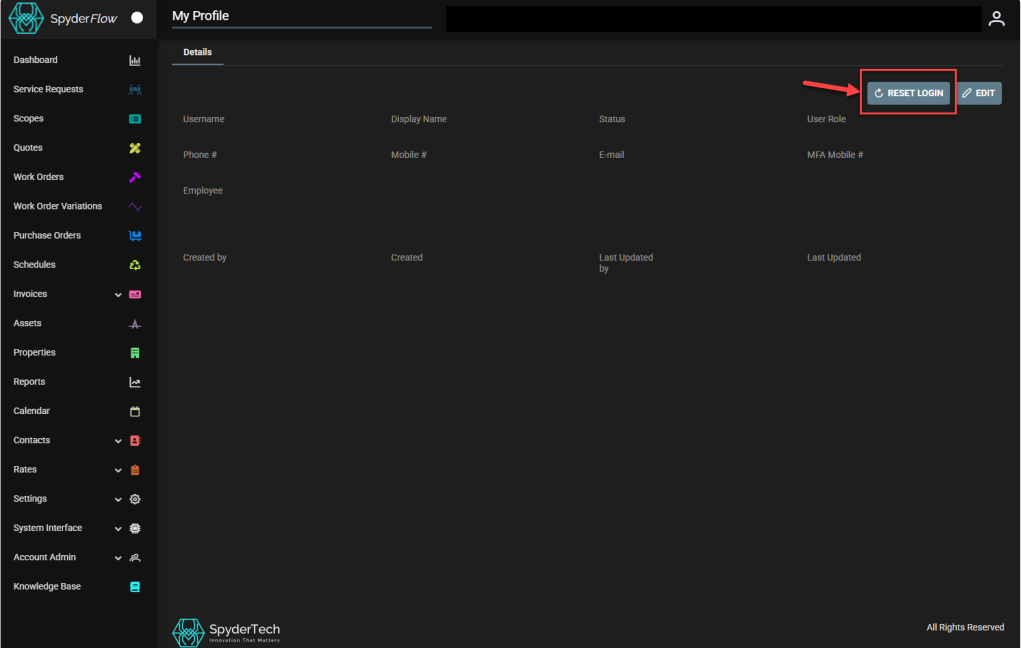
- Clicks Profile icon (far right of your sign in name)
- Select Profile from dropdown
- Click RESET LOGIN
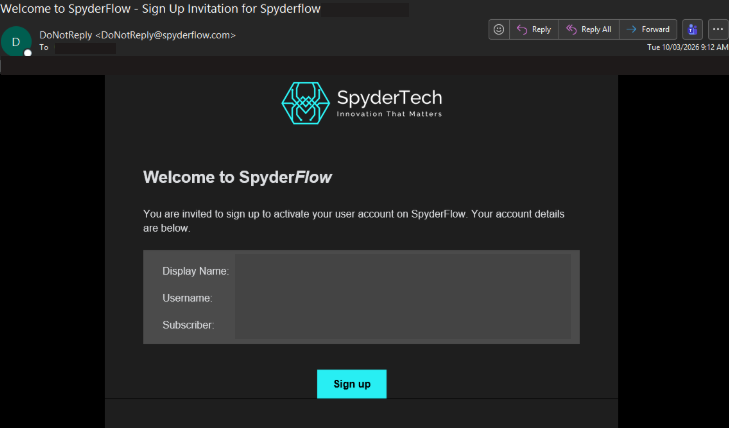
- Repeat sign up process from the email sent by SpyderFlow
- Chooses to sign up with Microsoft SSO and follow the prompts
Quick look at the process with screenshots below:
- Sign into SpyderFlow –> Profile Icon (right side of screen) –> Select ‘Profile’ from the dropdown
- My Profile –> Select ‘Reset Login’
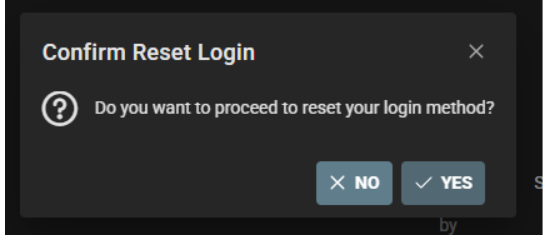
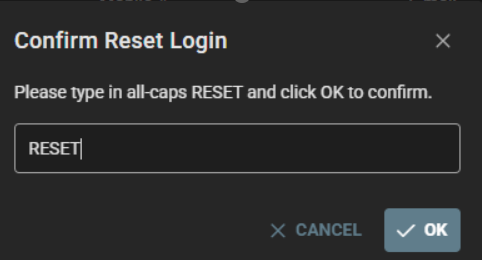
- There will be 2 x prompts to check you are sure. The second prompt is a ‘type’ box required to type in caps format
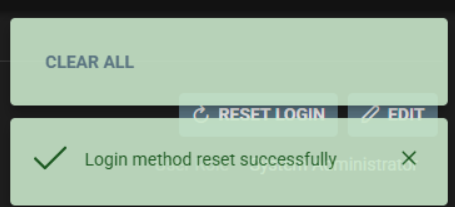
- Successful message when Reset login sends your new email to start sign up process
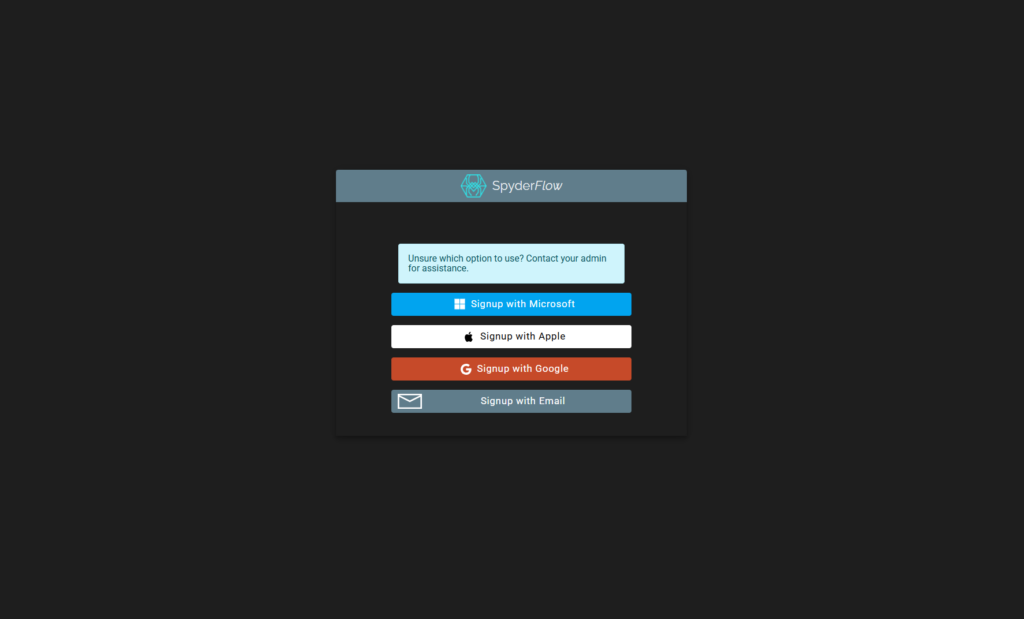
- Go to Email inbox and re do your sign up to SpyderFlow with chosen method (see pic 2): SSO available in Microsoft, Apple and Google.
Click ‘Yes’ or ‘No’ to proceed or cancel
Type the word ‘RESET’ as instructed in Caps format then select OK
Reset Login is Successful
Email to Sign up to SpyderFlow
Sign up options below:
Choose required option: If unsure ask your admin for assistance
Follow the prompts to your chosen method.
- SSO options are available with Microsoft, Apple, Google
- Username/Password can be selected with Email option