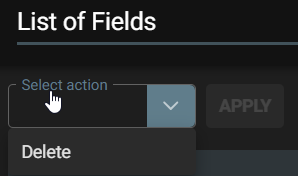
List of Fields page has bulk action to delete multiple fields available by drop down.
Select Action – Delete Fields
Located: Main Menu –> Settings –> Fields –> List of Fields –> Select Action – Delete
- Select which fields to delete, or select all by clicking in the header checkbox.
- Click Apply
- Confirmation Yes/No – Choose to confirm
- If successful a message will say the selected fields are now deleted
Note!
- Clear All is available if you choose not to delete and want to clear all selected fields in the bulk action process.
- This will then return you to unselected action view of ‘List of Fields’ page.