Flags in SpyderFlow are a useful alert that can be applied on Assets, Properties and Work Activities for alerts and information sharing to all users working on or checking a Workflow.
- Applied at the Property/Asset level flags can flow to workflows for consistency and ease of use.
- With improved visibility, look and design:
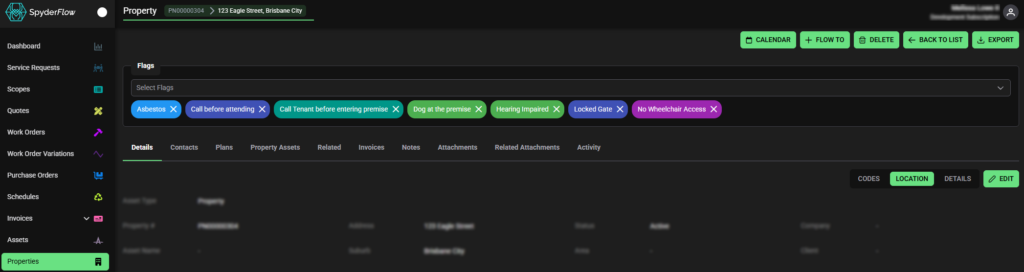
- By default be shown middle of screen on Properties/Assets.
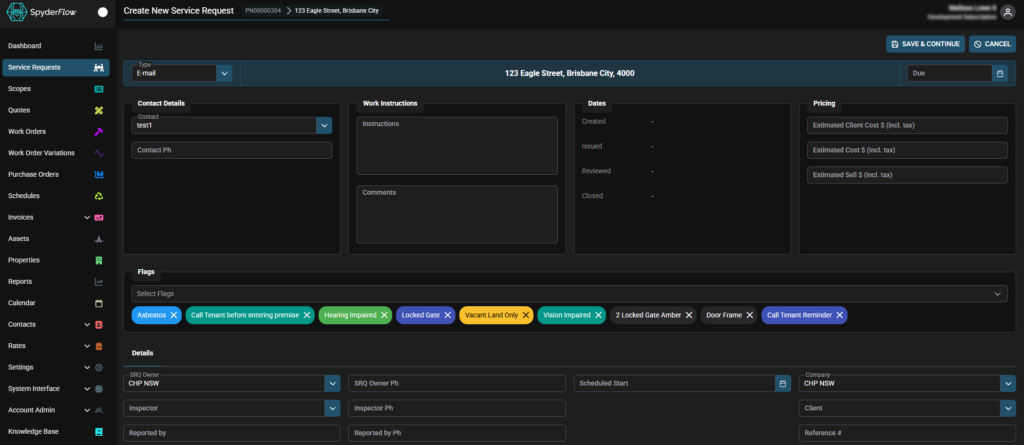
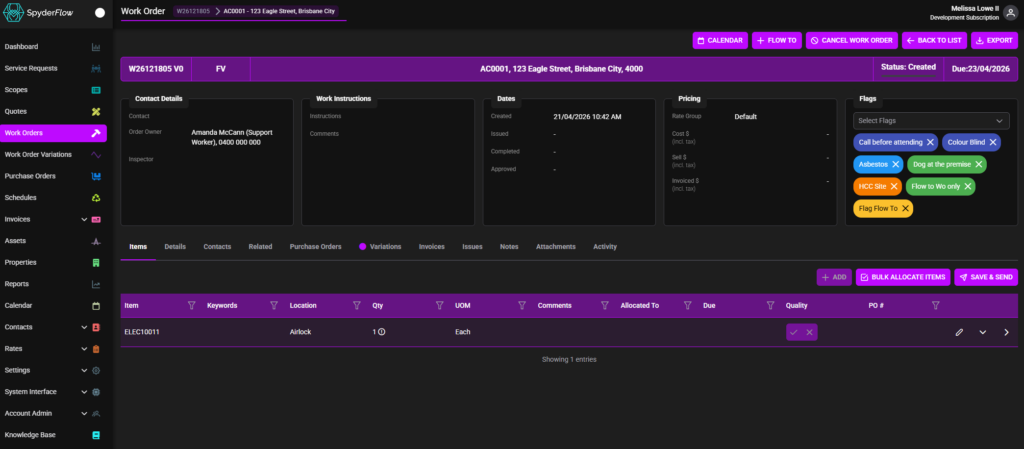
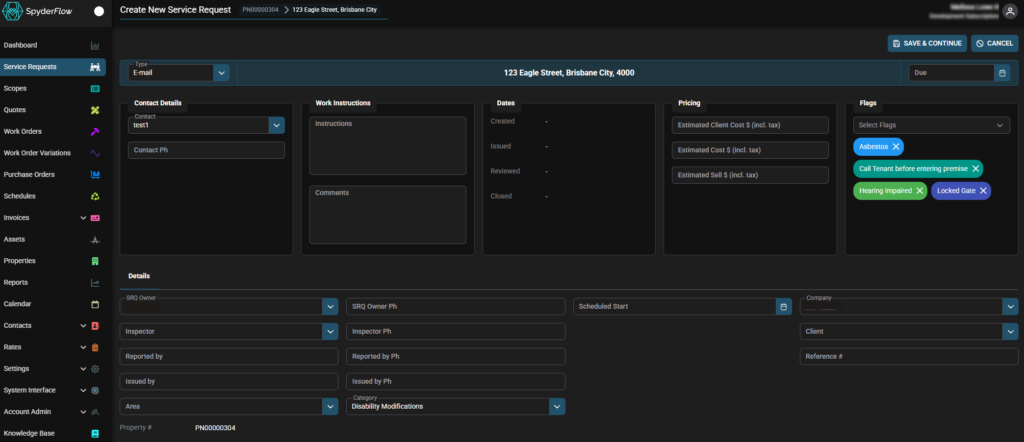
- Flags will show right side of workflows if less then 8 applied. If greater then 8 will move to middle of screen.
- Dropdown is available to add/remove flags with both middle and side view.
- Customisable by your SpyderFlow Administrator in text and colours for best results and user experience.
Flags available on:
- Properties
- Assets
- Service Requests
- Work Orders
- Purchase Orders
- Scopes
- Quotes
- Schedules
- Invoices (Receivable and Payable)
Property flags example
Work Order Flags less than 8
Work Order Flags greater than 8

Service Requests less than 8
Service Requests greater than 8