Important notes are now harder to miss with the introduction of Note Alerts.
Previously, notes could be assigned an Alert Type, but this did not change how they appeared to users.
Note Alerts are available in:
- Services requests, Scopes, Quotes, Work Orders, Purchase Orders, Schedules, Assets, Properties, Contacts
How to Create a Note Alert
Create your note as per your business process in any area that has Notes tab available.
- Select Category
- Select an Alert Type
- Add Comments
- Choose which External Users to view Note (if you are an Internal user).
- If you are an External User you would +ADD Note. Select Category, Alert Type, Type Comments and this would be viewed also by Internal Users
As per Notes | WEB | Overview
- Note Alert will be displayed with an icon beside when click on Notes Tab

- Alert notes will now display automatically when a record is opened, requesting the user gives attention to the note alert added.
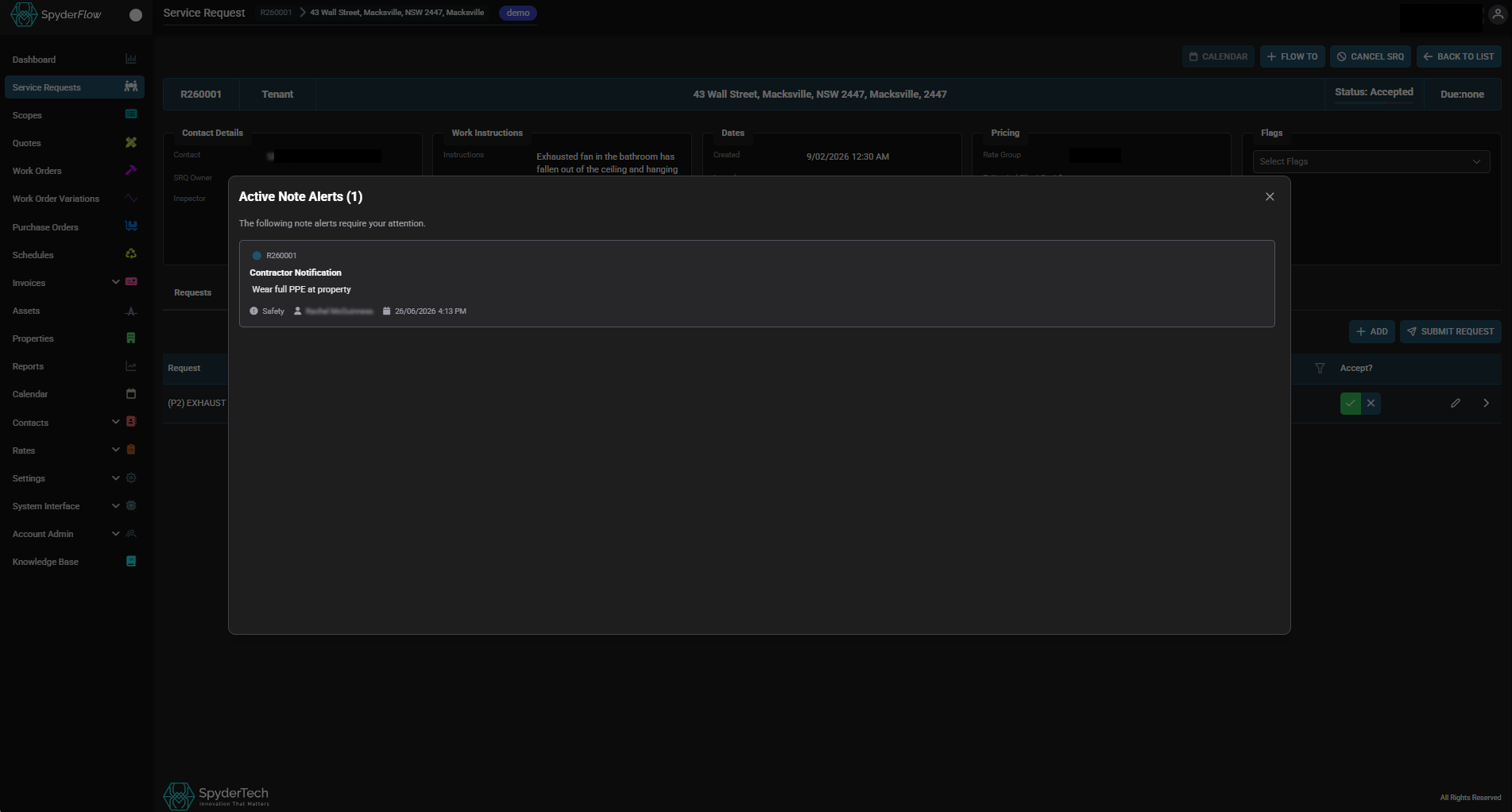
Add Notes with Alerts also to:
- Scopes, Quotes, Work Orders, Purchase Orders, Schedules, Assets, Properties, Contacts
Process is +ADD Note, Select Alert Type and who can view (External Users)
When a user opens the order, asset, property, contact – the alert will pop up and show what has been added.
Available on WEB and Mobile
See also: