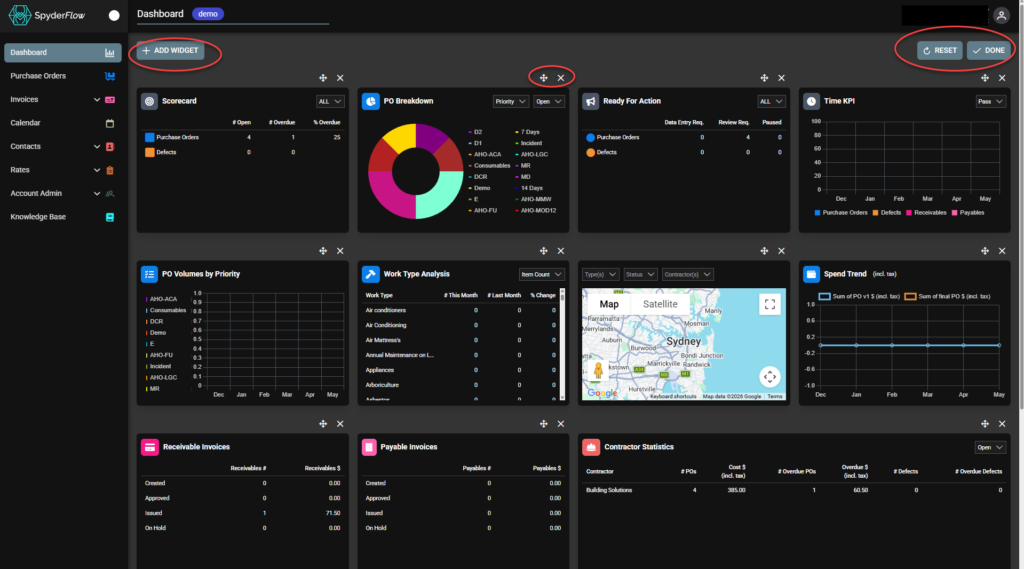
Dashboard layout can be edited with widgets added, removed or dragged and
dropped for placement.
- Expanded View on the dashboard expands widgets to full screen, which can be
traversed, for larger data sets or accessibility.
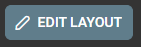
- Click EDIT LAYOUT to start customising your Dashboard view
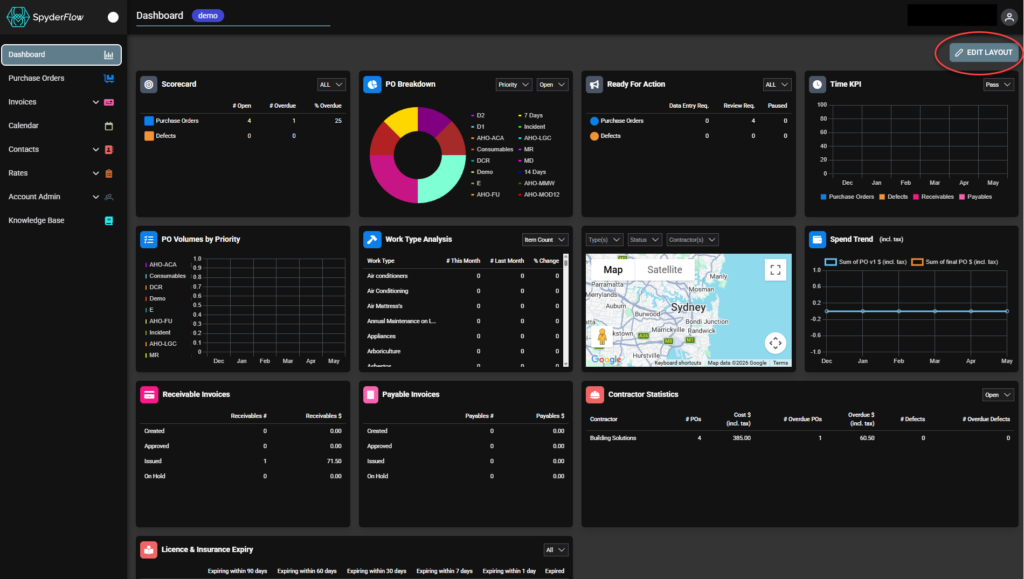
Once you have clicked EDIT LAYOUT – choose to move, delete, add widgets on your Dashboard. Click RESET if change mind, Click DONE once complete.
- Add Widget you have deleted (not for any widgets not previously on Dashboard)

- Move or Delete widgets
- Reset widgets on Dashboard to how they were before move/delete.
- Done – Click when you are finished moving, deleting etc