Activate User Invitation – Sign Up by Email
On the first time signing into SpyderFlow a new user will only get MFA verification by Email option.
- This is default by the system and verification code is sent to the user email address that the SpyderFlow invitation is sent to and linked to log in.
Note! Verification to mobile phone number cannot be set in the ‘Invite to SpyderFlow’ process but is set in the user profile once signed into SpyderFlow.
Sign up to SpyderFlow with your Email
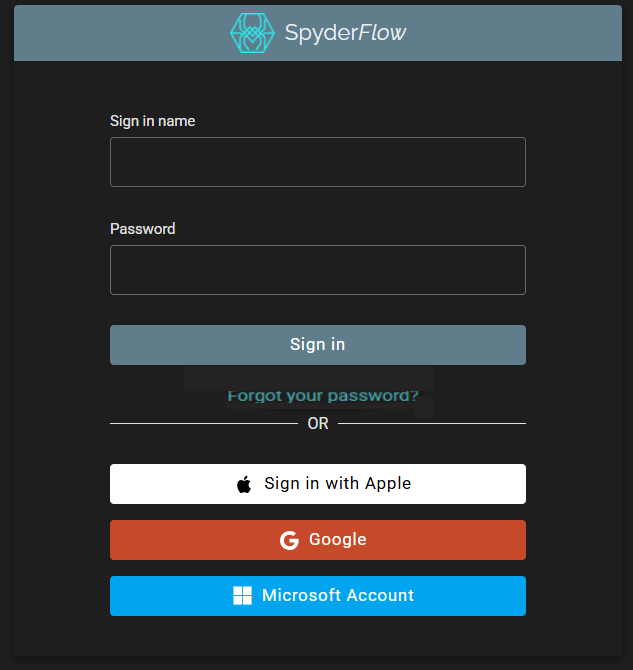
- Sign in window is displayed with the user email prefilled.
- Create a password
- Sign In
Send Verification Code
- Email address will be prefilled (your email address)
- Click ‘Send Verification code’
Collect Verification Code
- Code is sent to your email from “no [email protected]”
- Go to your email and retrieve verification code
Enter Verification Code
- Enter verification code
- Click ‘Verify code’
The code has been verified. You can now continue
- Email address is prefilled
- Click ‘Continue’
You are now signed into SpyderFlow
- SpyderFlow Dashboard should appear
Help…… I cannot complete process or the process is looping.
- If any issues with this process, contact your System Administrator.
- You may need to clear your internet cache or verify a second time to sign in.