Assets are important resources for your company that SpyderFlow workflows are based upon.
- An Asset could be a motor vehicle, a contract, a building or many other resources to give economic value.
- Properties are assets but are in the property section.
- Each asset record shows the users of the system the work history giving a comprehensive view of all activity.
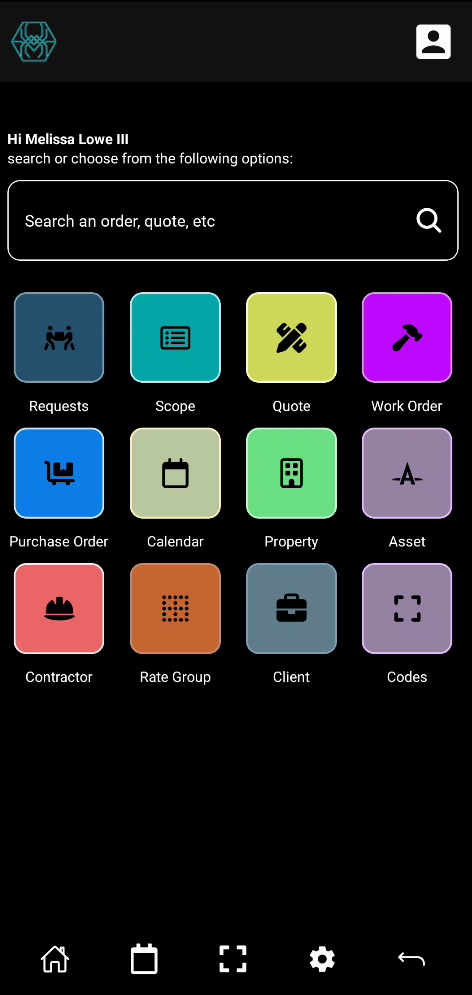
Asset icon is available to select from main Home screen (Mobile Dashboard) and colour coded for easy identification.
- By default when select Asset, opens into List of Assets
List of Assets
Like other List of pages, Assets can be:
- SpyderTech logo left side of screen
- User Profile is top right side of screen
- Searched, Sorted and Filtered by keywords or partial alphabetical or numerical values
- Displayed in list format in order of last sort, filter or add into your SpyderFlow system
Listed Assets: Tap and Select individual asset items or Tap and Hold for Options to bulk select and delete.

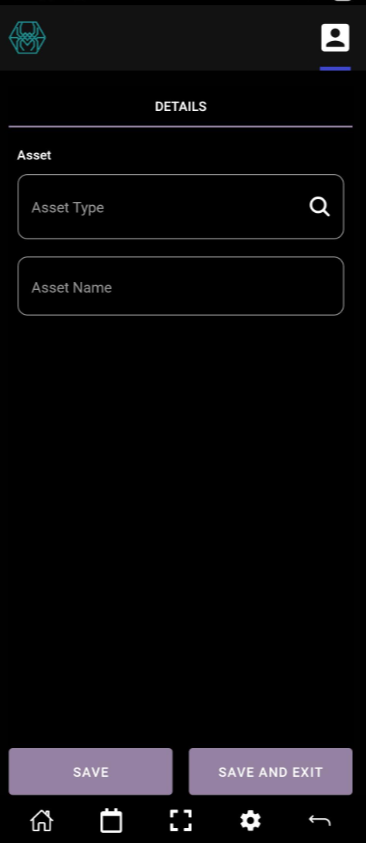
New window opens when click Create New Asset
Selected individual Asset
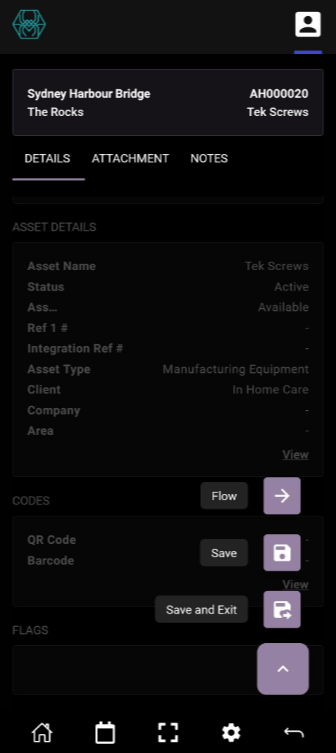
When select the Asset item by default opens into details screen grouped by:
- Location
- Asset Details
- Codes
- Flags
- Primary Contact Details
- Details
View option at the bottom of each section to open into new windows and add further information.
Save after adding further information, files, photos.
Flow your Asset
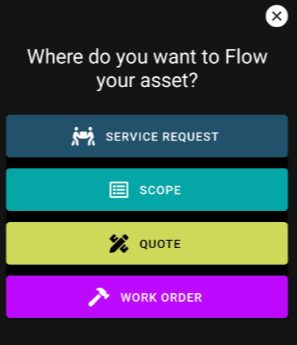
Flow Asset to:
- Service Request
- Scope
- Quote
- Work Order